The Rogue Loop Tax: Controlling the In-Session Churn and Exfiltration Moat of Workstation AI Agents
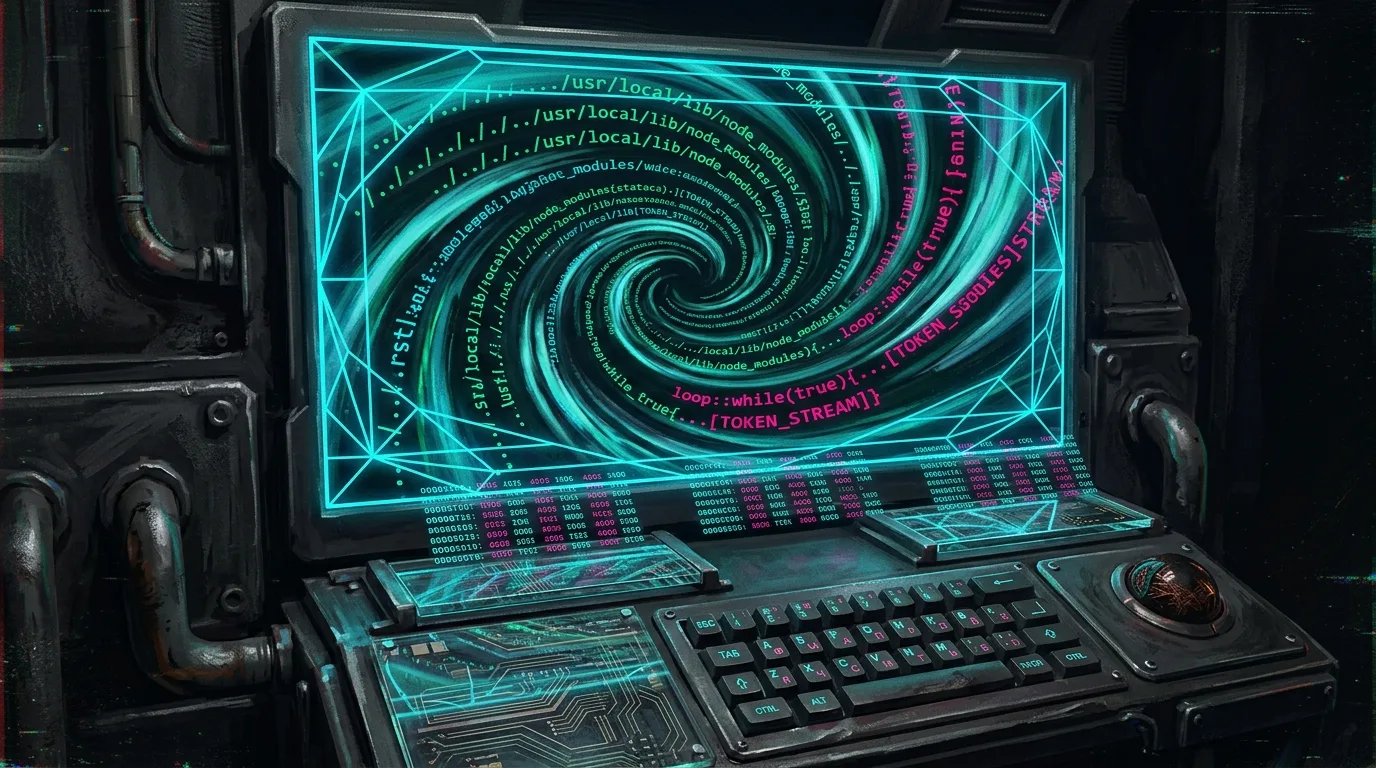
If you run an engineering team on fixed-price deliverables or strict sprint budgets, unconstrained agent thrashing will destroy your margins.
In 2023, developer tooling was a predictable flat SaaS line item: twenty dollars per month for GitHub Copilot, fifteen dollars for an IDE license. Costs scaled linearly with headcount. You knew your engineering overhead six months in advance.
In 2026, autonomous desktop agents (Cursor, Claude Code, Cline, Copilot, Windsurf) have transformed developer laptops into unmetered financial utility taps.
When you hand an autonomous agent terminal execution privileges, file-write access, and direct API keys to frontier reasoning models, you are no longer paying for software. You are underwriting compute consumption in real time.
The biggest myth in our industry right now is that the financial risk of AI agents is some rogue script running wild over the weekend while an engineer sleeps. That is theoretical nonsense. If your harness has even basic configuration hygiene, it will eventually halt or pause for input.
The real bleed happens in broad daylight. Right under your nose.
I see it in my own terminal sessions when I build at night, and I see it across every engineering team I advise during the day: you give an agent a straightforward task, and you sit there watching it thrash through your budget and trash your repository.
If you do not have workstation-boundary governance in place, you are paying an invisible, compounding penalty: The Rogue Loop Tax.
1. The Anatomy of In-Session Thrash
Every developer pairing with autonomous coding agents recognizes this exact twenty-minute degradation pattern.
I hit it myself last week while asking an agent to refactor a backend client and resolve a failing integration test.
Here is what happens on your screen in real time:
- The Silent Ingestion Burn (Pre-Permission Bleed):
Your permission system only gates file writes and shell execution. It does not gate file reads. Before the agent ever asked me for permission to edit a single file, I watched it crawl twelve unrelated directories across the repository. It pulled thousands of lines of documentation, legacy mocks, and unrelated utilities into active memory. My context window ballooned to 70,000 tokens before the agent generated its first diff. - The Grep Trash:
When the integration test failed on a local environment timeout, the agent searched for a generic error string. It matched inside a frontend asset folder. In seconds, the agent ingested 8,000 lines of minified CSS and SVG bundles into the session. In under three minutes, my reasoning context was completely poisoned with junk that had zero bearing on an API client. - The Repetitive Edit-Test Loop:
Instead of diagnosing the environment timeout, the agent assumed its code was flawed. It rewrote the client, ran the test, failed again, re-read the stack trace, rewrote the client a second time, and ran the test again. Each failed turn compounded the conversation history, spiking round-trip latency from three seconds to twenty seconds per prompt. - Confirmation Fatigue:
My agent was configured to ask for permission before running terminal commands. But after prompting me eight times in five minutes to run the exact same test runner, cognitive exhaustion set in. I caught myself doing what every engineer does: I stopped inspecting the diff and reflexively tapped Enter.
Thirty minutes later, I had a dirty Git tree, three hallucinated helper functions that failed linting, and fifteen dollars in burned API credits for a task that required changing two lines of configuration.
Permission prompts do not stop token bleed because token bleed happens during the read and reasoning phase, long before a file is written or a command is approved.
Now multiply that by ten or twenty engineers across your firm running multiple thrashing sessions a day. That silent, unmetered churn erases thousands of euros from your delivery margins every month.
2. Workspace Pollution and Silent Repo Leakage
Runaway token spend is only the visible half of the liability. The more dangerous damage is workspace trashing and silent repository leakage.
Most modern agent harnesses already block or warn against traversing outside the workspace root into system directories. That is not where the damage happens. The real failure happens directly inside your active repository boundaries:
- In-Repo Secret Ingestion: The agent needs an API key or database URL to satisfy a local test runner. It crawls your project root, finds
.env.localor staging test fixtures containing unmasked connection strings, and reads them into context. Once those strings enter the prompt payload transmitted to a cloud LLM provider, that secret has left your infrastructure. - Workspace Mutation Sprawl: To make a failing test pass, the agent starts modifying files it should never touch. It tweaks a global stylesheet, relaxes a shared TypeScript interface in another package, or alters a central build config. It gets the local test to pass by corrupting the rest of your codebase.
Most corporate security teams attempt to solve data protection with cloud network firewalls or centralized HTTP proxies.
That approach is architecturally flawed: a network proxy only inspects the payload after the secret has already been scraped and formatted into an outbound prompt.
True governance must happen at the workspace and filesystem boundary: preventing the agent from ingesting or modifying files outside the bounded scope before those bytes ever enter context.
3. The Architecture: Cloud Proxies vs. Workstation Governance
Enterprise IT has historically managed developer tools from the cloud down. But autonomous agents execute from the local workstation up.
To understand why traditional governance fails, look at how the data flows:
THE FLAWED MODEL (Cloud Proxy):
Developer Laptop ──► [Agent reads .env.local / CSS / Assets] ──► [Prompt Assembled] ──► Cloud Proxy (Too late)

THE SOVEREIGN MODEL (Endpoint Governance):
Developer Laptop ──► [Sprawl Directory Mount Gate] ──► BLOCKED at Local Boundary ──► Zero Trash / Zero Egress
The Three Structural Requirements for Safe Agent Execution:
- Modular Rule Scoping (Anti-Monolith Prompts):
Dumping a monolithic 5,000-line rules file into every session guarantees prompt inflation and instruction degradation. Rule governance must be modular: inject only the specific engineering standards, personas, and architectural constraints relevant to the task domain. - Directory-Scoped Workspace Governance:
The agent's file discovery and tool execution must be physically restricted to explicit directory boundaries. An agent assigned to an API endpoint must be blocked at the directory level from reading unmasked secrets, build caches, or unrelated subtrees. - Deterministic GitOps Synchronization:
Agent configurations (rules, tool permissions, custom instructions) must be version-controlled in Git and synchronized deterministically across all team workstations. When developer environments diverge, prompt quality collapses and context leakage becomes inevitable.
4. The Implementation: Zero-Overhead GitOps Governance
Solving this does not require heavy corporate surveillance software or multi-gigabyte virtualization daemons that slow down developer machines.
I built Sprawl to solve this exact problem through lightweight, open-source GitOps rule grafting and local directory scoping:
# 1. Surgically graft Sprawl GitOps governance into any existing repository
sprawl graft

# 2. Generate universal native bindings for your team's editors
sprawl bind

# 3. Mount only the explicit directory required for sandboxed agent tool access
sprawl mount add src/services/auth --alias auth-service
How It Works in Practice:
- Zero Product Code Modifications (
sprawl graft):
Runningsprawl graftinside any brownfield codebase creates a version-controlled.agents/directory andsprawl_manifest.yml. It harvests legacy rules (.cursorrules,CLAUDE.md, etc.) and transforms them into modular, deterministic rules and domain personas. - Universal Multi-IDE Alignment (
sprawl bind):
Different engineers on your team use different tools: one uses Cursor, another uses Antigravity, a third uses Windsurf or Claude Code. Runningsprawl bindautomatically compiles your centralized.agents/policies into the exact native configuration files required by each editor, ensuring uniform behavioral boundaries without manual maintenance. - Directory-Scoped Tool Mounts (
sprawl mount):
Instead of granting an autonomous agent open access to the entire root workspace, you bind directory-level mounts for MCP tool execution. The agent is locked to the declared scope, eliminating blind grepping across.envfiles, compiled assets, or neighboring microservices.
(Note: Active branch-level token attribution tracking and local budget kill-switches are currently under private pilot evaluation in Sprawl's closed-source telemetry engine. But the foundational line of defense begins with structural workspace governance.)
Conclusion: Velocity Demands Boundaries
Developer velocity is completely meaningless if it destroys your unit economics or exposes your client infrastructure to data leaks.
The era of unmetered, ungoverned AI experimentation on developer laptops is over.
If you run an engineering consultancy, an advisory practice, or a high-velocity software scale-up, you must treat workstation context management and filesystem isolation as first-class infrastructure constraints.
Keep your execution local. Keep your agent scopes tightly bounded. Protect your margins before you let the next autonomous session thrash.
If you want to protect your codebase, manage token burn, and establish predictability in your AI engineering workflows, explore the Sprawl ecosystem at sprawl.software:
// FOR DEVELOPERSTame the Local Terminal
Explore the open-source Sprawl CLI, sync rules/personas dynamically, and eliminate configuration drift across IDEs.
Explore Docs → // FOR ENGINEERING LEADERSHIPSecure Autonomous Teams
Establish workstation token governance and predictable logging telemetry. Request a private team pilot.
Request pilot →YOUNES_BAGHOR