Your Jira is a Liability: Replacing Enterprise Project Management with Markdown & File Automation
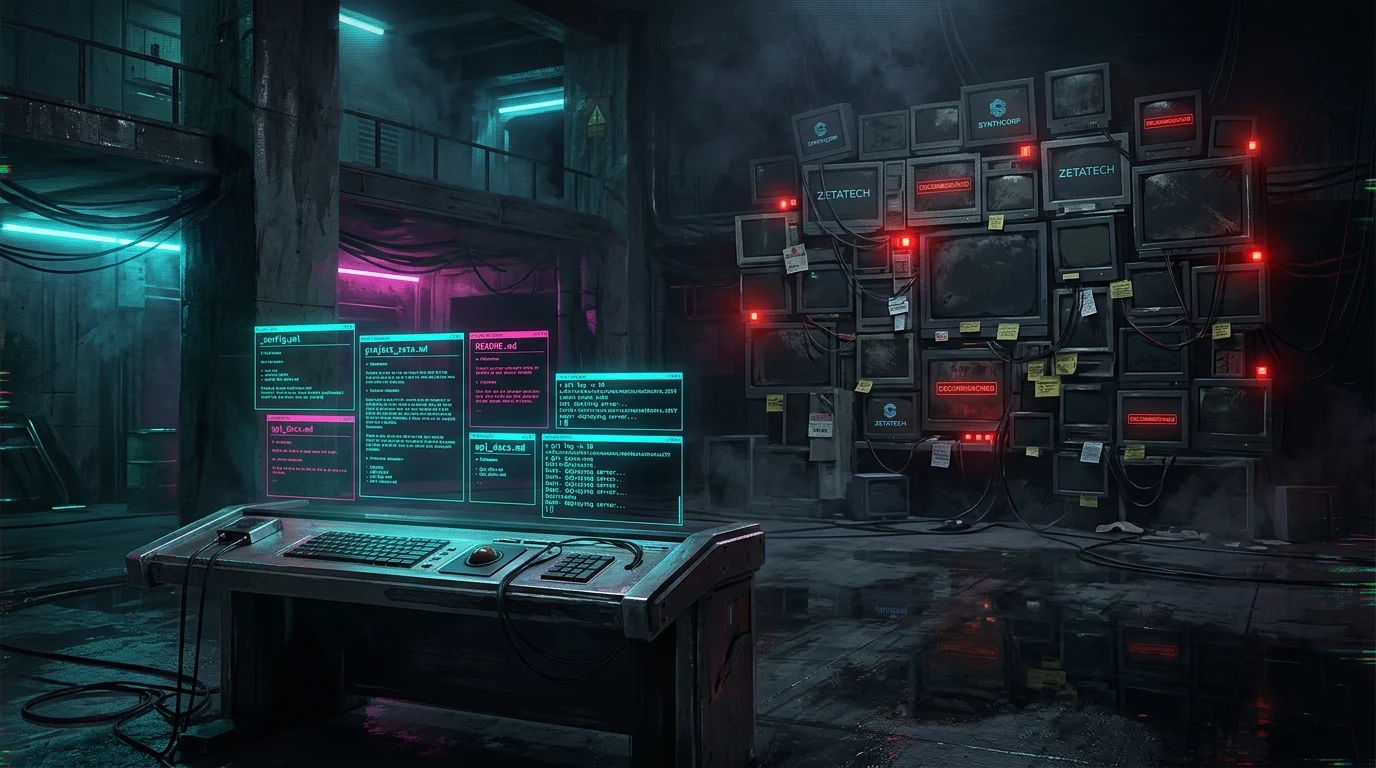
There is an absurdity at the center of how we work. We design autonomous agentic systems that self-heal, route deterministically, and operate across distributed infrastructure without human intervention.
And then we open a browser, navigate to a $14-per-seat SaaS product, and manually drag a colored card from one column to another to tell the universe we started working on something.
The cognitive dissonance is staggering.
1. The Diagnosis: The Theater of Planning
Let's be honest about the reality on the ground. Most project management tools are not project management. They are planning theater, elaborate rituals we perform to feel organized without actually driving execution.
Boards exist to look populated during standups. Backlogs grow infinitely because grooming them feels productive. And the actual work, the code, the architecture, the shipped product, happens somewhere else entirely: in a terminal, in an editor, in a conversation with an AI agent that has no idea your Jira board even exists.
I know this because I was the worst offender. I had an over-engineered Kanban setup with 39 epics, color-coded labels, custom fields, and a backlog so deep it required scrolling through geological layers of intent. None of it was executable.
Before prescribing a solution, we must diagnose the friction. Three root causes emerged:
Context Switching Kills Momentum
Every time you leave your editor to update a board, you are paying a cognitive tax. You break flow to open a browser, navigate through a product designed for project managers (not engineers), find your card, update the status, and return to the terminal. The round-trip cost isn't the thirty seconds; it's the twenty minutes it takes your brain to re-enter deep work mode. The planning tool is not part of the workflow. It is adjacent to it. And anything adjacent is friction.
The Data is Locked Behind a Paywall
Export your Jira data. What do you get? A CSV file that strips all context, or a JSON export that no tool on earth can parse without custom mapping. Your Notion data? A zip archive of markdown files with broken internal links and proprietary block IDs. The data about your project, the ideas, the architecture decisions, the task decomposition, the verification criteria, is trapped behind someone else's authentication wall. You are a tenant in your own planning system. And tenants do not control the lease.
The Tool Incentivizes Planning Over Shipping
Jira does not optimize for shipping; it optimizes for describing what you intend to ship. The incentive structure is inverted: the more detailed your tickets, the more refined your backlog, the more polished your sprint planning, the more it feels like progress. But feeling and shipping are different verbs.
Here is the uncomfortable test: if you deleted your PM tool today, no backup, no export, would your output decrease? If the answer is no, the tool was never driving value. It was absorbing attention.
2. The Pivot: Markdown is the Only Universal Data Format
The realization was so obvious it was embarrassing. Every tool in my stack already reads markdown. VS Code renders it natively. Obsidian is built on it. Vim handles it. Every AI agent I work with, Cursor, Claude Code, Antigravity, local Ollama models, ingests markdown as a first-class format. The terminal can grep it, diff it, and git log it.
Markdown is not a format. It is infrastructure. It is the TCP/IP of human-readable structured text.
What if the plan was just files? Not a database, not an API, not a SaaS product with a subscription page and a cookie consent banner. Just files in a directory, version-controlled by Git, editable by any text editor built in the last forty years, and readable by any AI model.
The result is a convention I call MDPM: Markdown Project Management.
Your project plan is a folder. Your milestones are files. Your epics are subfolders. Your tasks are documents. Everything else is automation.
3. The Architecture: Files as the Source of Truth
MDPM is not a product; it is a convention backed by a thin automation layer. The convention is the value. The folder schema is project-agnostic:
Project - {Name}/
├── 00_NORTH_STAR.md ← Immutable project vision
├── 01_ROADMAP.md ← Milestone table
├── 02_IDEAS/
│ ├── _INTAKE.md ← Quick-capture checkbox list
│ └── IDEA-xxx_name.md ← Formal idea documents
├── 03_MILESTONES/
│ └── MS-x_name.md ← High-level roadmap objectives & DoD
├── 04_EPICS/
│ └── EPIC-xxx_name/ ← Folder-as-Epic model
│ ├── EPIC-xxx_name.md ← Feature spec + task table
│ └── TASK-xxx-xx_name.md ← Granular execution tickets
└── 05_ARCHIVE/ ← Promoted, rejected, completed tasks
Tasks as State Machines
Within an Epic folder, every task is a standalone .md document. Instead of dragging cards across a digital board, the state is managed natively via YAML frontmatter:
---
type: Task
status: To Do
role: engineer
milestone: MS-1.5_Ship_It
---
When a task transitions from To Do to In Progress or Review, the frontmatter is updated. This allows our AI agents to natively index the folder, find the next To Do item, execute the implementation, write the tests, commit to git, and update the frontmatter to Review, all completely autonomously in a closed loop.
The Double Diamond SDLC Engine
We enforce a strict "Double Diamond" SDLC engine. Before any code is written, a planning agent drafts the architectural tasks. Once the Epic folder is fully populated with technically complete tasks, the execution agent is unleashed. Because the requirements, acceptance criteria, and specific files are hardcoded into the markdown files, the execution agent needs zero additional context. It reads the file, executes, and moves to the next.
4. The MDPM Automation Pipeline
Four Python scripts, running on a local cron schedule, manage the paperwork. The engine is roughly 300 lines of standard library Python with zero external dependencies:
intake_processor.py: Scans_INTAKE.mdfor checked checkboxes. Each- [x] My ideabecomes anIDEA-xxx.mddocument with YAML templates. The original checkbox is replaced with a clean link.idea_promoter.py: Reads IDEA files. When you setstatus: Promoted, it creates the EPIC folder. When set tostatus: Rejected, it moves it to the archive.milestone_scaffolder.py: Parses the roadmap table in01_ROADMAP.mdand generates milestone files in03_MILESTONES/with bidirectional links.task_decomposer.py: Reads EPIC documents. When you setstatus: Ready, it parses the task table you filled in and creates individual TASK markdown files, inheriting milestones, context, and developer roles.
python3 -m mdpm.mdpm --project "/path/to/Project - Sprawl"5. The Agent Loop & The Read-Only Dashboard
The pipeline handles plumbing, but the AI handles the articulation burden, the tedious work of translating architectural intent into structured, actionable documentation.
The Handshake Workflow:
- Human checks an idea → Script creates the IDEA document.
- Human sets
status: Promoted→ Script creates the EPIC folder. - Human tells the agent: "Fill all epics in MS-1." → Agent reads the codebase, the spec, the milestone, and proposes complete specs.
- Human reviews, edits, approves → Sets
status: Ready. - Script creates TASK skeletons → Agent writes test scenarios, file paths, and E2E validation gates.
- Execution begins → Deterministic routing assigns tasks based on the frontmatter
rolefield.
The Read-Only Dashboard
Because humans are visual creatures, MDPM includes a Kanban dashboard. It is built using pure HTML, CSS, and vanilla JS with zero build steps and zero database state. A Python server reads the folder structure, parses YAML, and serves a JSON API. The frontend displays the milestones, swimlanes, and cards.
If you delete the dashboard, nothing is lost. The source of truth remains the markdown files in your repository.
6. The Command Center Approach (Public vs. Private)
For public, open-source repositories (like the Sprawl CLI), having a folder full of internal Markdown Kanban tickets and business roadmaps directly inside the code repository can look cluttered. It pollutes the repository for external contributors and exposes internal backlogs.
To resolve this, we use the "Command Center" approach:
- Keep the PM Files in a Markdown Vault: Your local vault remains your private "Command Center." All your Epics, Tasks, and Milestones for every project live securely and privately inside your vault.
- Extract the MDPM Engine: Keep the Python engine (
serve.pyand parsing logic) in a separate tool repository. Point the engine at your private markdown vault directory to render the local dashboard. - Use GitHub Issues for the Public: Use standard GitHub Issues for public bugs and community PR reviews.
This gives you the best of both worlds: a pristine public repository and a private, centralized "God-View" of all your projects across your business vault.
Conclusion: Sovereignty Through Structure
Every dependency you accept is a variable outside your control. When you pay rent on your project management data via a SaaS subscription, you accept a kill switch you do not control.
A folder does not pivot. A markdown file does not deprecate. A Python script reading os.listdir() does not require an OAuth token. By building an open, file-first convention, we make our planning infrastructure as resilient and deterministic as our production code.
Don't write your next line of code without a blueprint. Keep your plan local. Keep it in markdown.
Related Architecture Essays
- Previous in Series: Context is Permanent, Syntax is Temporary: Why Strict AI Governance Costs More Tokens (and Why You Should Pay It)
- Next in Series: I Gave 7 AI Agents a Job: Here's What Actually Happened
- Foundational Framework: The 5-Stage Developer Agent Governance Framework: From Shadow Tools to Governed Runtimes
Architecting Autonomous Systems?
Stop building fragile monoliths on raw conversational prompts. If you are an engineering lead, CTO, or enterprise architect structuring sovereign agentic workflows, file-first project management, or local developer governance:
- Advisory & Mandates: Connect on LinkedIn or explore younesbaghor.com.
- Developer AI Governance: Explore the open-source GitOps engine at sprawl.software.
Younes Baghor
Fractional Head of AI & Enterprise Systems Architect | Founder, Sprawl.software